
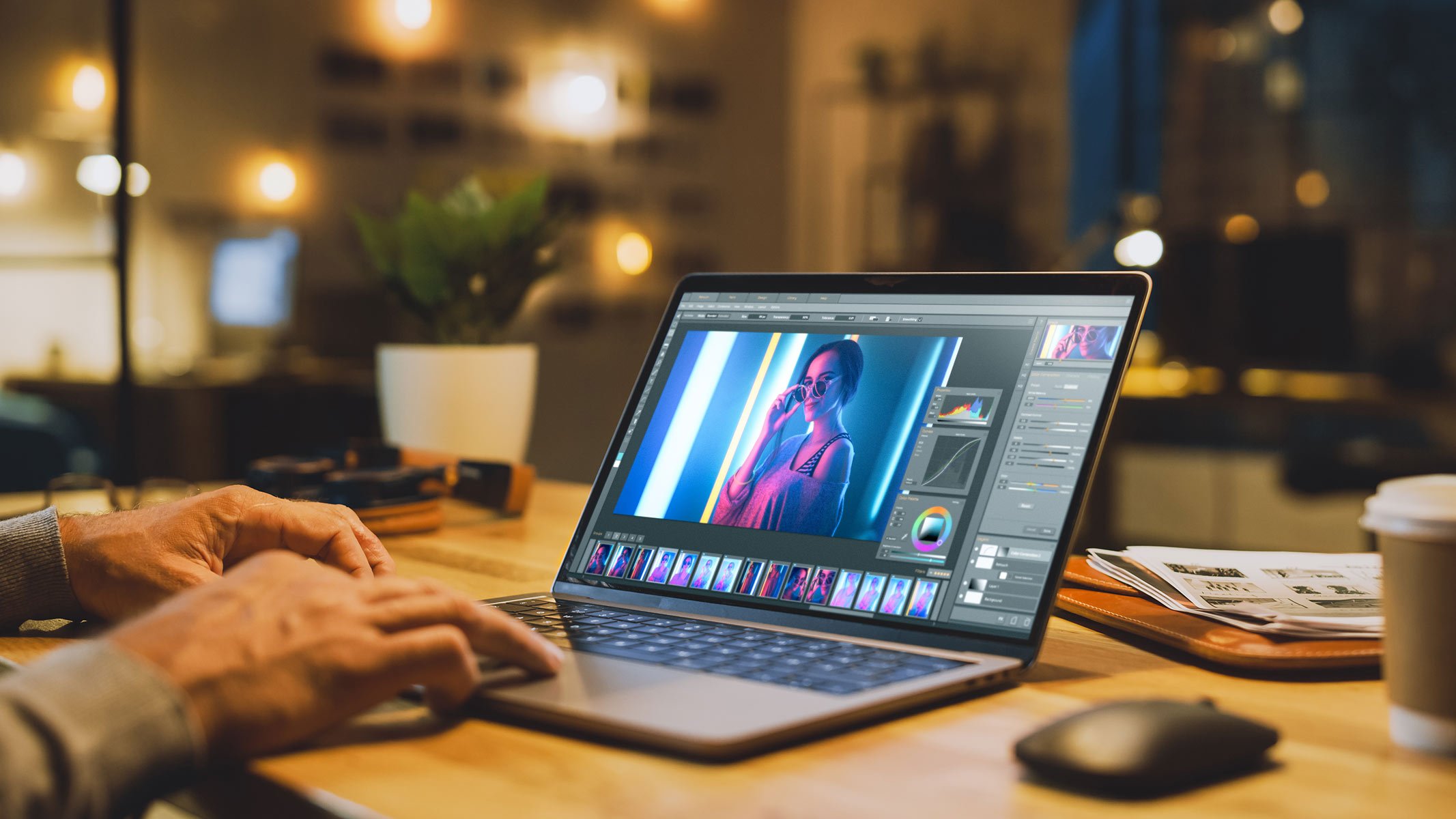
A still is a record of one frame: a building, a product, a picture you already made. Motion is a second decision. It can be a slow move past the door, or one action in the scene. It becomes a different picture the moment the door shifts, the label changes, or a person who was not in the frame walks through it.
That is the check before anyone calls the file a video of the still. Play them side by side. If you cannot point at the same object in both, the motion replaced the picture.
Decide the one move first
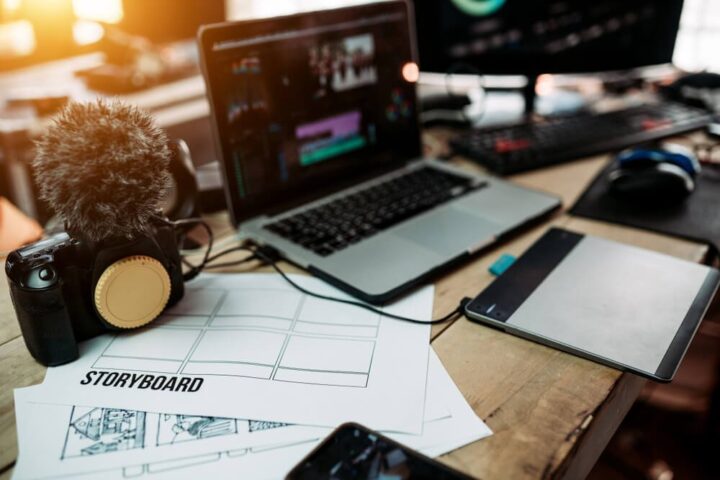
Write the move in a line. Camera along the front. A hand sets the object down. Light changes, and nothing else does. Leave out a crowd, a new facade, and a face that was not photographed.
Use the still you mean, not a sketch of a similar one. A soft or cropped source gives the motion less to hold. If the first frame is already the wrong building or the wrong pack, do not continue it.
Make the moving version in one project
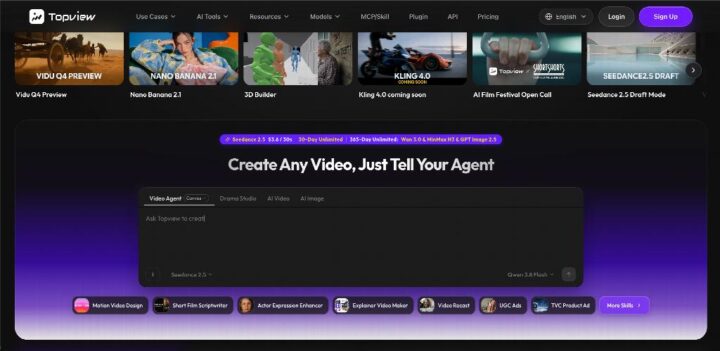
Topview is the workspace for that pass. You describe the move, and you can bring the still with a script, a reference for the pace, or the page the picture already belongs to. The project plans the scenes and leaves each shot editable, so the next pass can correct the move without inventing a second subject.
The plan and the credits are on the site before you generate. If a person appears, it has to be someone who agreed to be shown. The workspace does not publish the clip, and it does not turn the file into a recording of an hour you were there.
Put the still back beside the clip
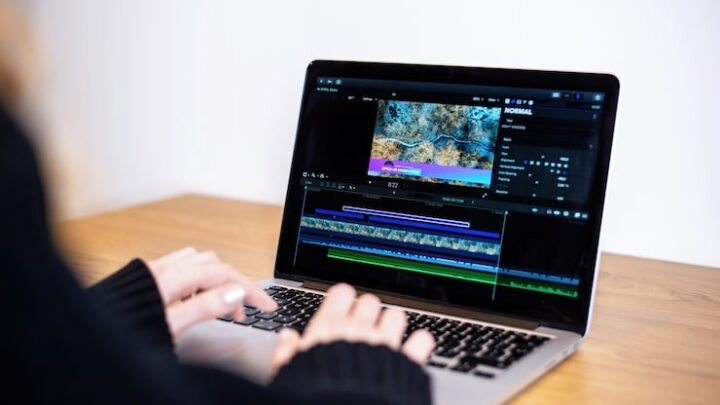
In the first line, say this is a moving version of a still, not footage of the place or the product at that hour. Keep the original picture next to it. If the object, the text, or the face drifted, that version stays a draft.
For additional transparency, Adobe’s Content Credentials documentation explains how digital media can carry information about its origin and editing history.
A reader can enjoy the move. They need to know which frame was the picture you started with.