
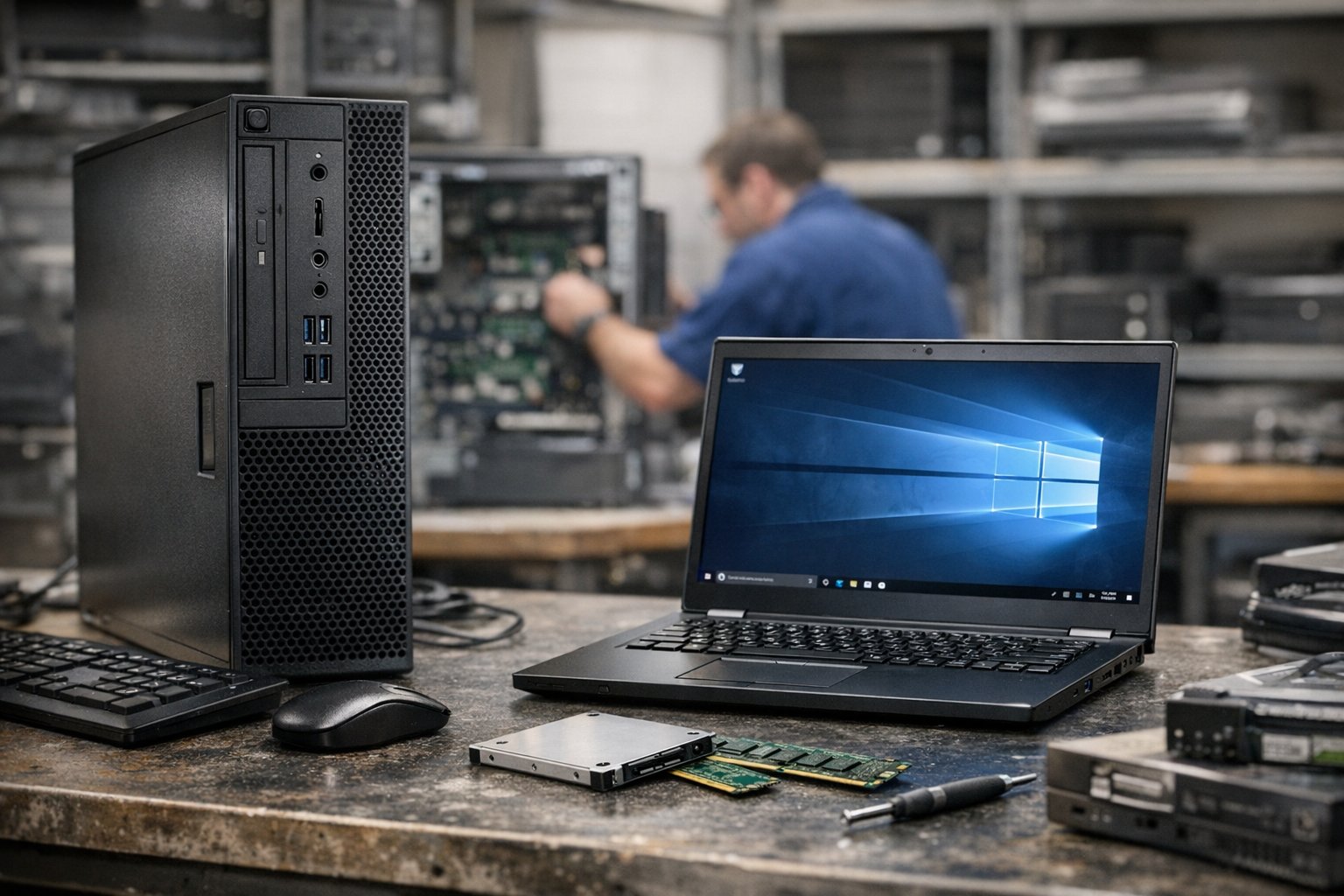
Growing businesses often reach a point where technology starts becoming a much bigger part of the budget than expected. A handful of laptops for a small team can quickly become dozens of devices spread across different departments, and every new employee may require not only a computer but also monitors, accessories, software licences and support. At the same time, older equipment begins reaching the end of its useful life, creating another layer of cost.
This is where refurbished IT can become a serious purchasing option rather than simply a cheaper alternative. For many businesses, the question is no longer whether refurbished hardware can do the job, but whether buying new equipment every time is actually the most sensible use of money.
The idea of refurbished technology still carries outdated assumptions for some buyers. There can be a tendency to picture heavily used consumer laptops, scratched cases and uncertain reliability, but professionally refurbished business hardware is a very different proposition.
Commercial-grade laptops, desktops and workstations are often designed for long service lives and built with more durable components than lower-cost consumer machines.
When these devices come out of corporate leasing cycles or business fleets, they may still have years of practical use remaining. Once they have been inspected, tested, cleaned and prepared for resale, they can offer a much stronger balance between cost and performance than businesses might expect.
Why Refurbished IT Can Reduce Costs During Business Growth

That balance becomes particularly important when a company is expanding. Growth rarely happens in perfectly predictable stages, and businesses can suddenly find themselves needing to equip several new employees at once.
Buying brand-new machines for every role may place unnecessary pressure on cash flow, especially when not every member of staff requires the latest processors or highest specifications.
Someone working primarily with email, cloud platforms, spreadsheets, customer relationship management systems and video meetings does not necessarily need the newest premium laptop.
In these situations, a refurbished business machine with a capable processor, sufficient memory and solid-state storage may provide all the performance required at a considerably lower cost.
The savings can also become more significant as purchasing volumes increase. A difference of a few hundred pounds on one device may not transform a budget, but across 20, 50 or 100 systems it can become substantial.
Those funds can then be redirected towards other areas of technology that may deliver a greater return, such as cybersecurity, cloud services, staff training, network improvements or specialist software.
For a growing organisation, that flexibility can matter more than simply ensuring every desk has the newest model available. IT spending is most effective when it supports the needs of the business rather than following an assumption that new automatically means better.
Standardising Business Hardware Without Sacrificing Performance

Refurbished equipment can also be useful when businesses need to standardise their hardware. A company may already have a fleet built around a particular laptop model, docking station or desktop configuration.
When that model is no longer available new, purchasing refurbished examples can allow the organisation to maintain consistency rather than introducing a completely different generation of hardware.
This can simplify support, reduce the number of accessories required and make life easier for IT teams that already understand the strengths and common issues of the existing platform.
Standardisation can be especially valuable during periods of rapid recruitment, when the priority is often to get employees working quickly without creating unnecessary complexity behind the scenes.
Performance should still be considered carefully, but the gap between new and slightly older business hardware is not always as dramatic as marketing might suggest. Modern processors have reached a point where several generations can comfortably handle everyday office workloads.
A previous-generation business laptop may feel virtually identical to a brand-new machine when the user is working in browser-based applications, Microsoft 365 or standard accounting software.
Memory and storage can sometimes matter more than the age of the processor, and a well-configured refurbished system with 16GB of RAM and a fast solid-state drive may provide a better experience than a newer but poorly specified machine bought primarily because it carries the latest model number.
How to Decide Between Refurbished and New IT Equipment

This is where the quality of the supplier becomes important. Buying refurbished IT should involve more than finding the lowest price on an online marketplace. Businesses need confidence that equipment has been properly inspected, graded and tested, and that warranty support is available if something goes wrong.
Suppliers such as EuroPC can therefore be considered as part of a broader procurement strategy where businesses compare new and refurbished options according to specification, condition, warranty and intended use rather than judging a device simply by its age.
The more structured the purchasing process becomes, the easier it is to identify where refurbished equipment makes sense and where a new machine is genuinely justified.
There are, of course, situations where new hardware remains the better choice. Employees working with demanding applications such as video editing, three-dimensional modelling, engineering software, large datasets or advanced development tools may benefit significantly from the latest processors, graphics hardware and memory technologies.
Battery life may also be especially important for employees who travel frequently, and certain new laptops can offer meaningful improvements in efficiency compared with older generations.
Businesses also need to check operating-system support, security requirements and compatibility with specialist software before extending the life of older platforms. Refurbished should be treated as an option to evaluate, not a rule that must be applied everywhere.
A mixed purchasing strategy is often the most practical solution. Instead of deciding that the entire organisation must use either new or refurbished equipment, businesses can match hardware to specific roles.
A creative department might receive new workstations because performance directly affects productivity, while administrative or customer-service teams could use professionally refurbished desktops or laptops without any noticeable disadvantage.
Senior staff who travel regularly might need newer lightweight machines with excellent battery life, while office-based employees may be perfectly well served by previous-generation business systems. This approach allows the company to spend more where additional performance delivers genuine value and save money where it does not.
Operational Flexibility and Sustainability Benefits of Refurbished IT
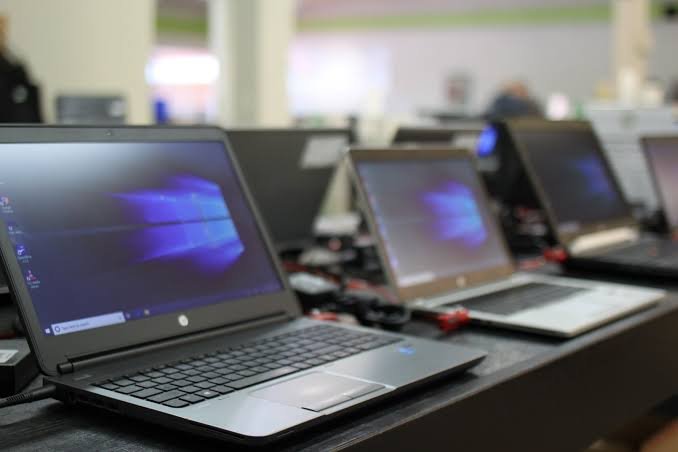
Refurbished hardware can also help businesses respond to unexpected needs. A project may require temporary staff, a new office may open sooner than planned or a sudden recruitment drive may create demand for additional equipment at short notice.
Having access to refurbished stock can provide more flexibility than relying solely on new devices, particularly when specific models are affected by supply shortages or long lead times. This can be especially useful when the business wants to avoid buying premium equipment for temporary roles but still needs reliable machines that can be deployed quickly.
Another factor is sustainability. Extending the useful life of technology reduces the need for new equipment to be manufactured and delays existing hardware from entering the waste stream.
Electronic devices require significant amounts of raw material and energy to produce, so reusing commercial equipment can support a company’s environmental objectives as well as its financial ones.
For businesses that publish sustainability reports or have environmental targets, procurement choices are increasingly becoming part of that conversation. Refurbished IT will not solve every environmental challenge associated with technology, but it can form a practical part of a wider strategy built around reuse, responsible disposal and longer equipment lifecycles.
Assessing Total Cost of Ownership and Long-Term IT Value
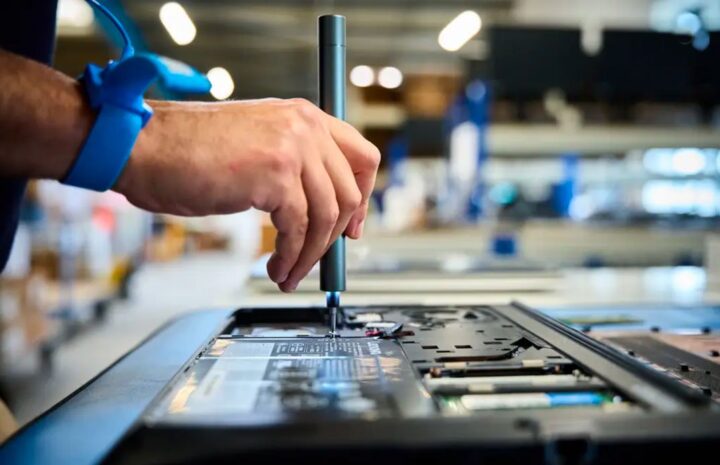
There is also value in considering the total cost of ownership rather than the initial purchase price alone. The cheapest machine is not necessarily the best value if it becomes unreliable, cannot run required software or requires frequent repairs. Equally, the most expensive new device is not automatically the most economical simply because it has a longer expected lifespan.
Businesses need to consider how long a device is likely to remain useful, what support is included, whether components can be upgraded and how important downtime would be if something failed.
A properly refurbished commercial laptop with a solid warranty may represent a lower risk than an inexpensive new consumer model that was never designed for intensive daily business use.
For growing companies, flexibility is often more valuable than having a perfectly uniform purchasing policy. Technology needs change as teams expand, roles evolve and workloads become more demanding.
A procurement strategy that includes new equipment, refurbished hardware and targeted upgrades gives the business more options to respond to those changes without overspending.
It also encourages managers and IT teams to ask a more useful question before every purchase: what does this employee actually need to do their job effectively?
Refurbished IT becomes the smarter choice when it delivers the required performance, reliability and support at a lower overall cost without introducing unnecessary risk. For some roles, that may mean a nearly new business laptop from a previous generation. For others, new equipment will remain the better investment.
The key is avoiding the assumption that one approach suits every user. As businesses grow and technology budgets become more complex, purchasing decisions based on real workloads and long-term value are likely to prove far more effective than simply replacing every device with the newest one available.