

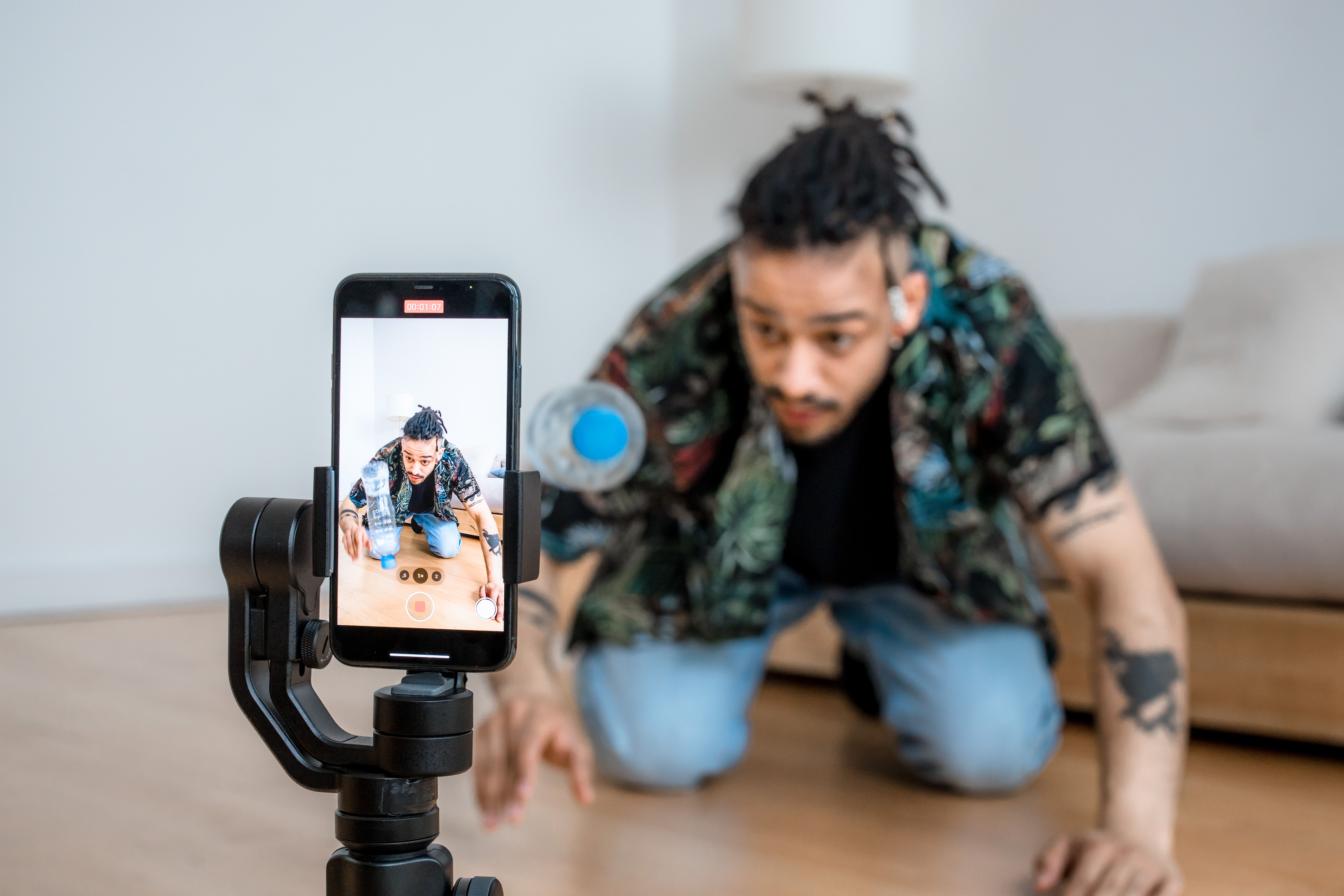
Somewhere in a spare bedroom right now, someone is propping a phone on a tripod, adjusting a ring light they bought for £15, and getting ready to talk to a camera for the eleventh time this week. That scene used to be the whole barrier to entry for video content. It still is, for plenty of people. But for a fast-growing number of others, the barrier has quietly moved: instead of filming, they’re typing a sentence and waiting ninety seconds for a finished clip.

That shift is not a prediction. It’s already measurable. I pulled five separate “state of AI video” reports published in 2026 while researching this piece, and while they disagree on almost every headline number – market size estimates alone range from $788 million to $42 billion depending on what’s being counted – they agree on the direction. Monthly active users across AI video platforms passed 124 million in January 2026, and generation volume grew roughly 840% in two years. Kuaishou’s own investor filings put Kling AI alone at 60 million creators and more than 600 million videos generated as of December 2025. Those aren’t marketing-team numbers. Marketing teams don’t add up to 60 million people.
What actually changed, in plain terms
Three things happened at once, and each one on its own would have been a big deal.
First, the models got good enough that a text prompt reliably produces something usable, not just something interesting. Second, the tools moved inside apps people already had open. Third, the price fell off a cliff: per-second API rates for AI-generated video now run as low as five cents, and a finished 30-second clip costs somewhere between $1.50 and $12 depending on the model, against $1,000 to $5,000 per minute for freelance production and upward of $15,000 per minute for agency work, according to 2026 cost breakdowns compiled by Magic Hour. When something goes from “needs a crew” to “costs less than a coffee,” the population of people who can do it stops being a niche.
It shows up in the workflow data too. On the consumer platform Vivideo, text-to-video still leads at 65.7% of orders, but image-to-video has climbed to 32.6% as people learn that starting from a reference photo produces more predictable results than a blind prompt. Users across 220 countries and 24 detected prompt languages generated over 120,000 videos on that one platform in three months. Nobody organized that. It just happened because the tool got out of the way.
The tool that moved into the app people already had open
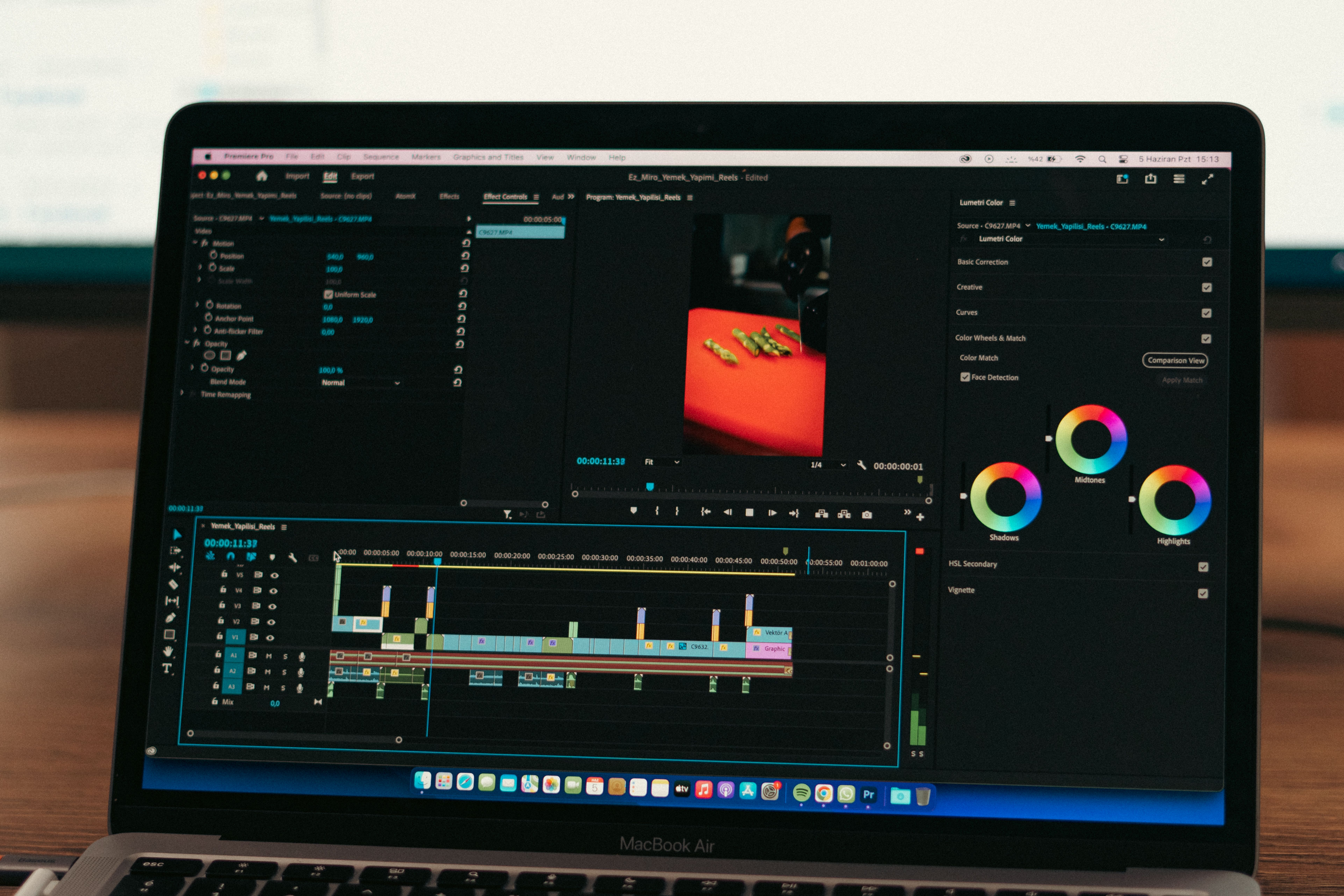
The distribution point matters as much as the model quality, and this is where the biggest recent release for everyday creators actually sits. ByteDance’s Seedance 2.0 model got an upgrade this summer, and rather than launching as a standalone app that people would have to discover and sign up for separately, it landed inside CapCut – the editing app roughly 200 million people already have installed. The Seedance 2.5 AI video maker generates native 30-second clips at 4K in a single continuous pass, accepts up to 50 reference images, clips and audio tracks to keep a character or product consistent across a whole video, and includes a local-editing mode that lets you fix one detail – a hand, a background object, a line of dialogue – without regenerating the entire clip.
That local-editing feature is the one that actually matters for someone without a production background, more than the resolution number does. Regenerating a 20-second clip from scratch because one word in a caption is wrong has been the single most common complaint about AI video tools since 2024. Being able to patch one region instead is the difference between a tool you experiment with once and a tool you actually finish something in.
A hands-on test published by Intelligent Living in September 2026 ran exactly this comparison for a solo creator turning an event poster into a social teaser: a conventional timeline edit versus a Seedance 2.5-assisted draft, judged on total active work rather than time to first result. Their finding was refreshingly unglamorous – the AI-assisted route wasn’t automatically faster once you counted the drafts, the fact-checking of on-screen text, and the manual repair work. It was faster for exploring motion and mood before committing to a direction. That’s a genuinely useful distinction, and it’s one that most coverage of these tools skips in favor of “AI video in 60 seconds!” headlines.
| Tool | Typical 2026 cost | What it’s actually good for | The catch |
|---|---|---|---|
| CapCut with Seedance 2.5 | Free daily credits; Pro tier adds 4K and the 180-second beta mode | Text/image-to-video plus captions, editing and export in one app | Regional rollout is still expanding across markets as of late 2026 |
| Canva Magic Media | Bundled in Canva Pro, roughly $13/month | Short 4–5 second B-roll clips for slides and social posts | Not built for talking-head or narrative video |
| HeyGen | Free (3 watermarked videos/month) to ~$29/month | Cloned avatar delivering a script in 40+ languages | Audiences who know your real voice often notice within seconds |
| Runway Gen-4.5 | $12–$76/month | Cinematic, prompt-driven shots for paid ad creative | Real learning curve; not a beginner’s Tuesday-afternoon tool |
Pricing and use-case notes per Lilach Bullock’s hands-on small-business comparison, published August 2026, and each vendor’s own product pages, current as of September 2026.
The trust gap nobody’s app store listing mentions
Here’s the part that the “AI democratizes content creation” narrative tends to leave out: making the video is now the easy part, and viewers have not caught up to how easy it’s become.
Consultant Lilach Bullock documented this directly. She built a LinkedIn intro video with a cloned HeyGen avatar of herself – a slick 40-minute production, decent lip-sync, and she felt good about it. It pulled 4,200 views against her normal filmed-video average of 1,800 to 2,500, which looked like a win until she checked engagement: 1.1% on the avatar video against her usual 3.4%, and three separate comments asking “is this AI?” within the first hour. Her read, and I think it’s the correct one: “an audience that already knows your real voice and mannerisms notices the gap between the real you and the smoothed-out avatar version almost instantly.”
That’s one creator’s data point, but it lines up with a much larger and more rigorous finding. A peer-reviewed study published in Communications of the ACM in September 2025, run by researchers at King’s College London, tested 1,276 participants on their ability to tell real video from synthetic video. Mean accuracy: 51.2% – essentially a coin toss. Video-only content came in slightly above that at 50.7%. So the odd thing is that Bullock’s audience could spot her avatar in under eight seconds, while a controlled study says people are barely better than guessing at the same task in general. My read on the gap: familiarity beats detection skill. Strangers can’t reliably tell AI from real footage, but people who already know your voice and rhythm absolutely can, which is exactly the audience whose trust actually matters to a creator’s business.
Broader survey data backs the caution up from the other direction. Animoto’s 2026 State of Video report found 78% of consumers trust videos with real people in them more than AI-generated content, and among people who spotted AI content, 36% said it lowered their trust in the brand behind it. So would you rather ship a video every single day with a cloned avatar and accept that some fraction of your audience will notice and mark you down for it, or film yourself twice a week and stay unmistakably you? Most of the successful hybrid creators I found in researching this piece – the ones running daily-upload AI channels alongside a human-hosted flagship channel – have landed on roughly 80% automated volume content and 20% real appearances, specifically to keep that trust layer alive.
Why “is this AI?” just became a legal question, not just an awkward comment
As of 2 August 2026, it isn’t only an etiquette question in some markets – it’s regulation. Article 50 of the EU AI Act now requires anyone deploying AI-generated video that constitutes a “deep fake” – content resembling a real or realistic person, place or event in a way that could pass as authentic – to disclose that clearly, at first exposure, to anyone in the EU who sees it. Fines run up to €15 million or 3% of global turnover, whichever is higher, and the law applies to anyone whose content reaches EU viewers, not just EU-based creators.
Before anyone panics: it doesn’t touch a video you make of yourself with your own tripod, and there’s a specific carve-out for “standard editing” – cropping, color correction, caption cleanup – so running your phone footage through CapCut’s ordinary editing tools stays outside scope. It bites specifically on avatar clones, AI-generated people or scenes standing in for something real, and any deepfake-style content, regardless of how well-intentioned it is. I think this is a reasonable rule, and honestly overdue – a one-line “AI-generated” caption is a small price for an industry that just spent two years proving, per that ACM study, that people can’t reliably tell the difference on their own.
My honest read: this is a tool, not a replacement
Having gone through this research, my actual position is narrower than either the hype or the backlash suggests. AI video generation is genuinely transformative for people who were never going to make video at all – the home baker who couldn’t justify hiring a videographer for Etsy listings, the parent making a birthday tribute who has neither the time nor the software skill for After Effects, the weekend dog-walker who needs one 15-second service intro and nothing more. For that group, the honest comparison isn’t “AI video versus professional video.” It’s “AI video versus no video,” and AI wins that comparison every time.
Where I’d push back is on the assumption that these tools are a shortcut for creators who already have an audience built on being recognizably themselves. The data above says otherwise, fairly consistently: engagement drops, and a meaningful slice of viewers notice and mark it against you. I’d also flag one more thing nobody selling these tools likes to mention – OpenAI’s Sora consumer app went from 1 million downloads in under five days at launch to a full shutdown in about seven months, closing its app on 26 April 2026 and sunsetting its API on 24 September 2026, reportedly burning close to $1 million a day before the plug got pulled. Free or cheap AI video tools are not a permanent home for anyone’s content archive. Export your footage, keep your own copies, and treat every one of these platforms as a utility you’re renting, not a partner you’re married to.
Frequently asked questions
Do I have to tell people a video was made with AI?
In the EU, yes, if the content is a “deep fake” – an AI-generated person, place or event that could plausibly pass as real – under Article 50 of the AI Act, effective since 2 August 2026. Ordinary AI-assisted editing of your own real footage generally isn’t covered. Outside the EU, there’s no equivalent blanket law yet, though several platforms have their own labeling requirements.
Will AI video replace filming myself?
For content where your face and personality are the product, the evidence so far says no – engagement drops when audiences notice a swap. It’s a strong fit for supporting content: explainers, product demos, and localized variants you’d otherwise skip.
Can people actually tell it’s AI?
Strangers, barely – a 2025 controlled study found accuracy close to a coin toss. People who already know you well, judging by at least one documented creator case, can often tell within seconds. Familiarity, not general skill, seems to be what drives detection.
What’s the cheapest way to try AI video generation?
Most major tools, including CapCut’s Seedance 2.5, offer free daily credits with no card required, which is enough to test whether a tool fits your workflow before paying for anything.
What’s the catch with free or cheap AI video tools?
Compute costs are enormous, and consumer AI video products have shut down fast before – Sora’s consumer app lasted roughly seven months from launch to closure. Keep your own exported copies of anything you care about.
How this article was put together
I compared five separate 2026 industry reports on AI video adoption (Pictory, Vivideo, Wyzowl via Adwave, report-ai.org, and Digital Applied) rather than relying on one source, because their headline numbers disagree noticeably depending on methodology and scope. Regulatory detail is drawn directly from Article 50 of the EU AI Act and law-firm analyses published in August 2026, not secondhand summaries. The human-detection figures come from the original peer-reviewed study rather than press coverage of it. Tool pricing reflects each vendor’s own pages plus one independent hands-on comparison, checked in September 2026; these figures move often and are worth re-verifying before making a purchasing decision. I could not independently verify company-reported user figures (Kling, HeyGen) beyond the companies’ own disclosures.