
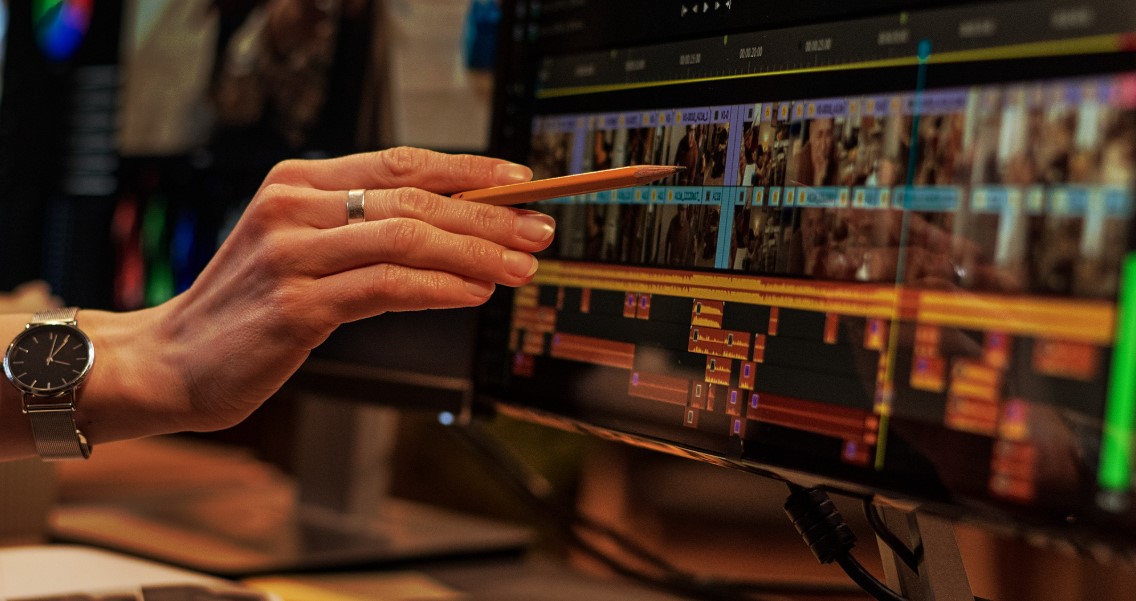
You describe an edit out loud, and the software makes it happen. That is the promise behind a ChatGPT video editing tool, a program that reads plain-language instructions and applies them to your footage.
Instead of dragging clips across a timeline or memorizing keyboard shortcuts, you type a request like “trim the pauses and add subtitles,” and artificial intelligence handles the rest. The technology draws on the same language models powering popular chat assistants. For anyone curious about where editing is heading, this shift from clicking to typing is the clearest sign yet.
What Is a ChatGPT Video Editing Tool?
A ChatGPT video editing tool is software that converts written instructions into completed video edits. You state the outcome you want, and AI performs the manual steps.
The name points to its engine. These tools run on large language models, AI systems trained to interpret and respond to everyday language, like GPT-4 from OpenAI. Some also draw on Codex, an OpenAI model that translates plain requests into working commands.
The core change is the input method. Older programs required you to learn their controls; this one asks you to write a sentence. That single difference is what pulls in first-time editors.
How Does the Technology Actually Work?
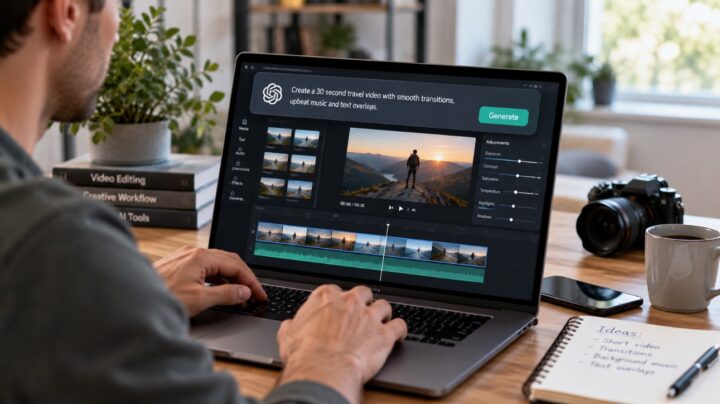
The technology works by linking a language model to a set of editing functions. You type; the AI reads your intent; the software acts.
Here is the sequence in plain steps:
- Write your request in everyday language, such as “cut the first ten seconds and caption the rest.”
- The AI interprets it using natural language processing, matching your words to specific editing tasks.
- The tool applies the change and shows you the result to approve or refine.
This mirrors how Codex converts written instructions into code. Here, the same logic converts instructions into edits. Requests also stack, so you can ask for a trim, then captions, then music in one flow.
What Can You Create With It?
You can create share-ready videos without touching a traditional timeline. The output range is broader than most people expect on a first attempt.
Common results include:
- Short-form clips sized for TikTok, Instagram Reels, or YouTube Shorts.
- Captioned videos with subtitles synced automatically to speech.
- Highlight reels cut from a long recording based on a single prompt.
- Text-to-video scenes, where generative AI builds footage from a written description.
Each of these once demanded manual effort. A clear instruction now produces a first draft in minutes. To see the workflow in practice, try a ChatGPT video editing tool that reads plain-language prompts and applies them to your footage.
Why Do Captions and Prompt-Based Edits Matter So Much?
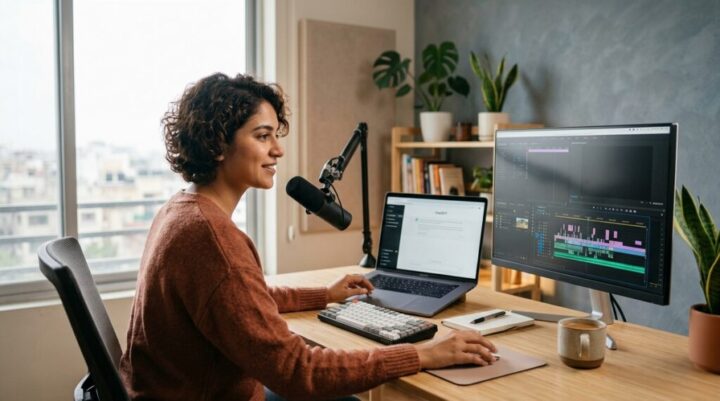
Auto-captioning is the feature that saves the most time. Adding subtitles by hand can take longer than filming the clip itself.
An AI editor transcribes the audio, times each line, and places it on screen in seconds. Captions matter for reach, too: most social videos play on mute, so on-screen text is what keeps viewers watching to the end.
Prompt-based editing removes the second barrier, the learning curve. You describe the result rather than the steps to reach it. That is why people who never opened editing software before are now finishing clips on their own.
How Does It Compare to Traditional Editing Software?
Traditional editing software gives you more control but demands more time. Tools like Adobe Premiere remain the standard for detailed, frame-by-frame work, and they are not disappearing.
The trade-off is direct:
- Traditional editors (Adobe Premiere, DaVinci Resolve): precise and powerful, with a steep learning curve.
- AI editors (CapCut and similar): fast and beginner-friendly, with less granular control.
The two work well together. Many creators draft quickly with an AI tool, then move complex projects into Premiere for finishing. Match the tool to the job instead of picking a single winner.
Who Gets the Most Out of These Tools?
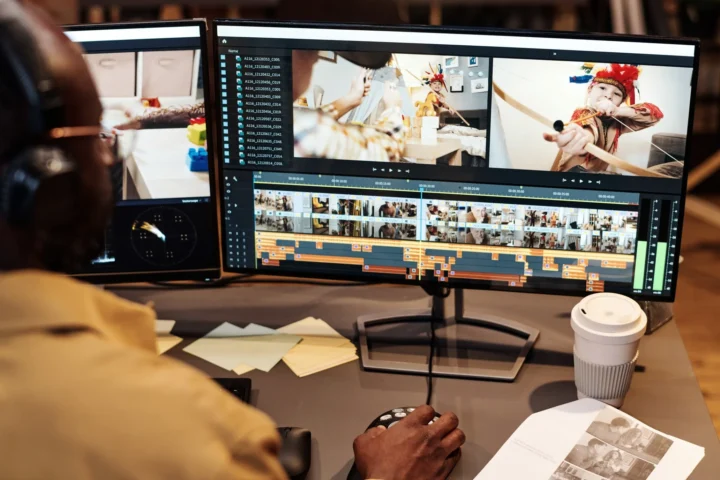
The people who benefit most are those with limited time and no formal editing training. Speed and consistency matter more to them than frame-perfect precision.
Consider who fits that description:
- Small business owners posting product demos without an editing budget.
- Content creators turning long streams or podcasts into short clips.
- Students and educators captioning lessons for clarity and accessibility.
- Hobbyists cutting cooking, gaming, or travel footage for their feeds.
The shared thread is a packed schedule. When editing drops from hours to minutes, you publish more and hesitate less.
What Should You Watch Out For?
AI editors are fast, but they need a quick human check before you publish. Treat the output as a first draft rather than a finished product.
Keep three habits:
- Proofread the captions. AI transcription can misread names, accents, or technical terms.
- Inspect generated scenes. Generative AI sometimes adds small visual glitches worth catching early.
- Write specific prompts. Vague requests return vague results, so name the exact change you want.
None of these steps take long. A one-minute review before posting separates a polished clip from an obvious error.
Conclusion
A ChatGPT video editing tool turns a technical craft into a plain conversation, and that changes who can make video. You type a request, and AI handles the trimming, captions, highlights, and text-to-video that once consumed hours. Built on language models from OpenAI, drawing on systems like Codex and GPT-4, and available through apps such as CapCut, these tools lower the barrier for everyday clips to almost nothing. They will not replace Adobe Premiere for detailed work, but they let you move from footage to finished post far faster. Pick one short clip, write a clear prompt, and review the result before you share it.