You are staring at a draft you finished late last night, and one sentence still feels wrong. Then you notice a repeated phrase three paragraphs down, a missing comma, and a heading that sounds oddly stiff. That familiar edit can swallow an evening.
Online tools do not replace judgment, but they can clear away the small tasks that keep you circling the same page for far too long.
The first pass stops feeling endless
A good editing tool works best before you fuss over every line. It gives you a quick map, which is often enough to stop wandering.
Repeated words show up before they become annoying
Writers miss repetition because the brain predicts familiar language. You read what you meant, not always what sits on the screen. A search tool catches obvious echoes fast ─ the same adjective, opening phrase, or favourite verb used everywhere.
Honestly, this is where a surprising amount of editing time disappears.
Length checks keep the draft from drifting
A word counter helps when a piece has wandered past its brief or feels strangely thin. Check the whole draft, then one section that seems out of proportion. That small step is less glamorous than rewriting, but it stops blind trimming.
And sometimes the problem is not the total length. A single bulky section can make the whole article feel slower than it really is.
Spelling help works best as a second pair of eyes
Spelling tools catch slips that disappear after several rereads. Doubled words, missing endings, and names typed differently can all surface. You still decide what belongs. The tool points at places worth another look.
Cleaner changes, fewer lost versions
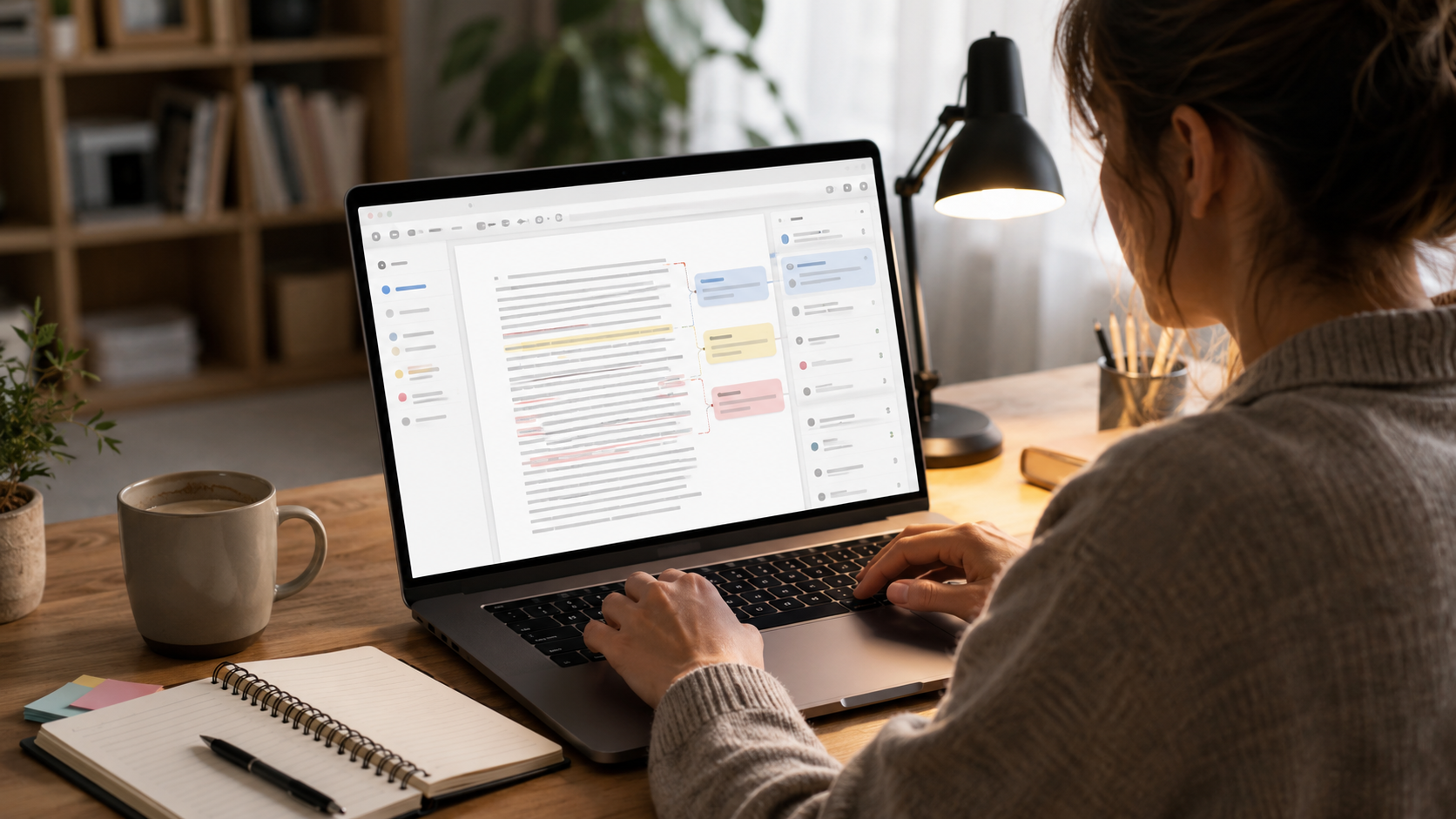
Editing gets messy when every adjustment creates another file. Online workspaces keep the draft, comments, and earlier wording in one place, which makes backtracking much less dramatic.
Version history saves the sentence you regret deleting
You cut a paragraph, rewrite the section, then realise the older version opened better. Version history retrieves it without digging through files named final, final-two, and final-actual. Weirdly enough, that alone makes editing feel calmer.
Comments keep side thoughts out of the draft
Sometimes a paragraph needs work, but stopping right then breaks your rhythm. A comment lets you write “check example” or “soften this claim” and keep moving.
That tiny separation matters.
Shared edits make feedback easier to follow
When someone reviews your work, tracked changes show what moved and why. You can accept a small fix, question a larger one, or restore your wording. Email chains rarely offer that clarity, for whatever reason.

The final read becomes more focused
After the obvious issues are gone, you can read for tone, pace, and meaning. Software cannot really finish that part ─ and it deserves your attention.
Read-aloud tools catch stiff rhythm
Hearing a sentence exposes awkward timing in a way silent reading often misses. A read-aloud tool will not understand your style, but it makes clunky phrasing hard to ignore. If a sentence feels difficult to hear, chances are it needs another pass.
Focus modes reduce the urge to keep tinkering
A clean screen can stop you bouncing between comments, tabs, and formatting buttons. You read the paragraph in front of you. Nothing more.
But editing is still your call.

A little less friction
Online tools are useful because they remove delays you barely even notice. A repeated phrase takes seconds to find, while an older paragraph returns without another folder search. Even a note stays attached to that same troublesome sentence itself.
They also leave more room for the decisions that feel human: whether a joke lands, whether a paragraph sounds too polished, whether the ending should stay slightly open.
That is probably the real time saving. Not faster typing, exactly, but fewer pointless detours while you work out what the piece wants to become.